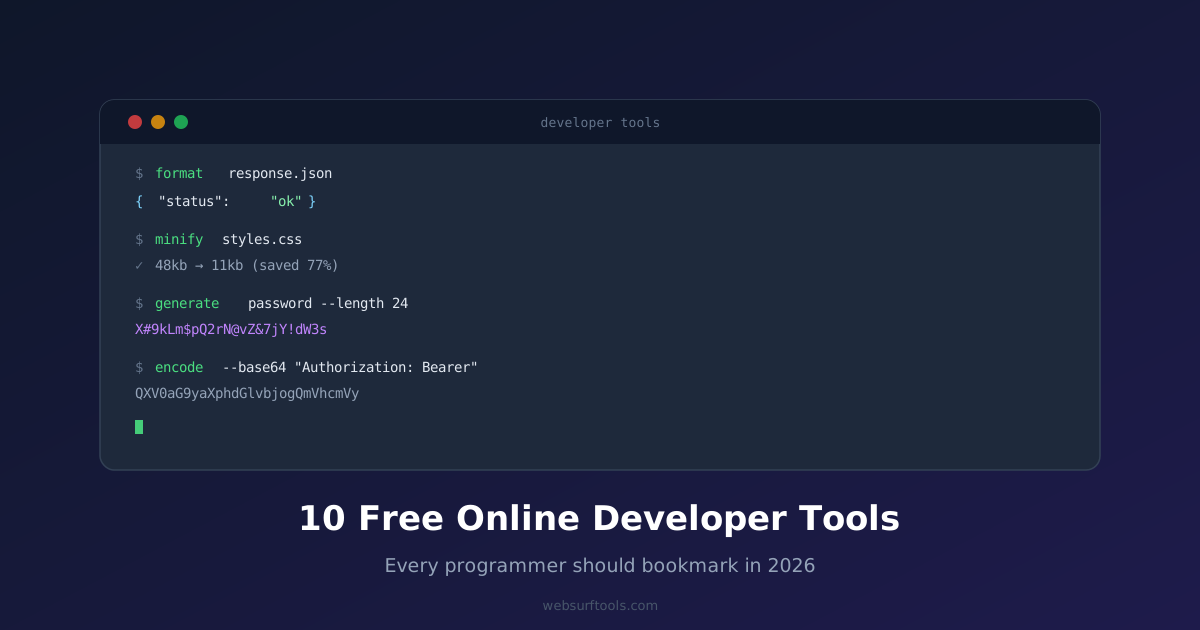
Why Developers Love Free Browser-Based Tools
Setting up a local dev environment for every small task is overkill. Need to format a JSON response? Validate some HTML? Generate a quick QR code for a demo? Browser-based tools are instant, require zero installation, and work on any machine — including your client's locked-down laptop or a cloud IDE with no local tooling.
Here are 10 free online developer tools that belong in your bookmarks bar right now.
1. JSON Formatter & Beautifier
Paste a minified JSON blob and instantly get a readable, syntax-highlighted, properly indented output. Essential for debugging API responses, reading config files, or cleaning up data before committing it. Also validates your JSON and flags syntax errors with line numbers.
Best for: API debugging, data inspection, config cleanup
2. JSON Validator
Different from a formatter — this one focuses purely on validation. Paste any JSON string and get a clear pass/fail result with the exact location of any syntax error. Useful in CI workflows when you want to verify a config file before deploying.
Best for: Pre-deploy config checks, schema debugging
3. HTML Formatter
Takes ugly, collapsed HTML and outputs clean, properly indented markup. Great for reverse-engineering third-party HTML, cleaning up CMS output, or making legacy code readable before a refactor.
Best for: HTML cleanup, legacy code audits, CMS output debugging
4. CSS Minifier
Strips whitespace, comments, and redundant declarations from your CSS to reduce file size for production. Run it before deploying a stylesheet you have not yet wired into your build pipeline. Every kilobyte saved speeds up your page.
Best for: Production optimizations, quick stylesheet minification without a build step
5. JavaScript Minifier
Same concept as CSS minification — removes whitespace and shortens variable names to shrink your JS bundle. Useful for small scripts you want to inline in an HTML file or embed in a no-build-tool project.
Best for: Embedded scripts, lightweight projects, quick prod builds
6. Base64 Encoder / Decoder
Encode any string or binary data to Base64, or decode a Base64 string back to readable text. Constantly useful when debugging JWTs, handling image data URIs, or working with API authentication headers.
Best for: JWT debugging, auth headers, data URIs
7. URL Encoder / Decoder
Encode special characters in a URL string or decode a percent-encoded URL back to readable form. Invaluable when constructing query strings by hand or debugging redirect chains.
Best for: Query string construction, redirect debugging, URL parsing
8. Password Generator
Generate cryptographically strong passwords of any length with custom character sets. Use it when setting up service accounts, API keys for local testing, or any credential that should not be reused. The generation runs client-side — no password ever touches a server.
Best for: Service account setup, test credentials, local dev secrets
9. Lorem Ipsum Generator
Generate placeholder text for mockups, UI demos, and design prototypes. Configure the output by words, sentences, or paragraphs. Much faster than pulling in a full npm package for a one-off prototype.
Best for: Mockups, UI prototyping, demo content
10. QR Code Generator
Create a QR code for any URL, text string, or data payload in seconds. Download as PNG. Useful for demos, printed docs, conference handouts, or linking physical materials to web resources — no app required on the reader side.
Best for: Demos, printed materials, physical-to-digital linking
Bonus: Tools Worth Keeping Nearby
A few more that did not make the top 10 but are worth having in a secondary bookmarks folder:
Markdown to HTML Converter — write in Markdown, get clean HTML output instantly
Color Picker / Converter — convert between HEX, RGB, and HSL without leaving the browser
Meta Tag Generator — generate OpenGraph, Twitter Card, and standard meta tags for any page
Regex Tester — test and debug regular expressions with live match highlighting
Why These Are All Free
Every tool on this list runs client-side on WebSurfTools — no account, no rate limits, no paywalled features. Bookmark the full toolkit and you will always have the right tool within two clicks.